How to Improve F1 Reaction Time: 7 Lights-Out Drills
A practical training guide for cleaner F1 start reactions: build focus, avoid guessing, control device latency, and use repeatable practice blocks.

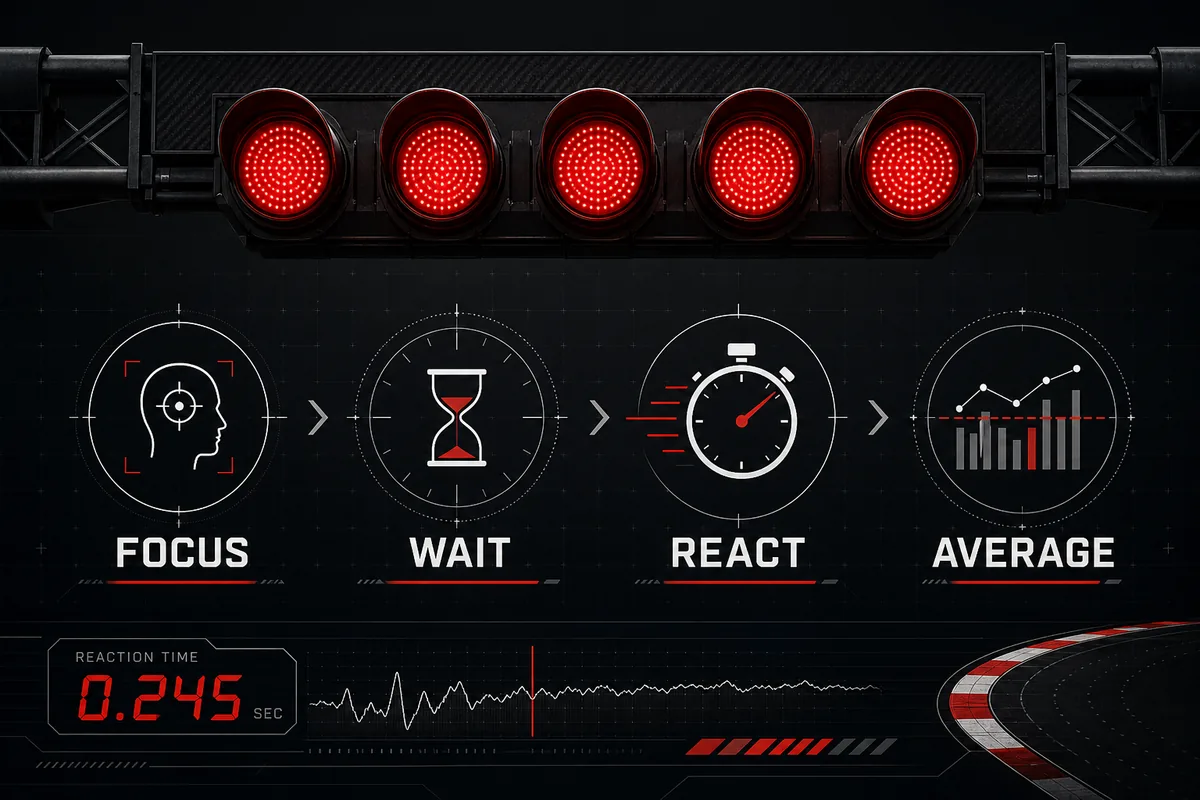
Train the Right F1 Reaction Time Skill
Improving F1 reaction time is different from trying to win one generic click test. A Formula 1 style start asks you to watch the red lights, tolerate the variable lights-out delay, and react only when the signal is valid. That means the useful skill is not pure speed alone; it is speed plus patience.
This is why your first training target should be clean repeatability. A 220 ms average with no early clicks is better practice than one 135 ms score surrounded by guessed starts. Real race starts also include clutch control, launch settings, grip, and procedure, but a browser drill can still train the visual cue and decision timing.
Use the F1 Start Timer as the practice surface, then use this guide to structure your sessions. The timer gives the lights-out cue; the routine below helps you avoid turning every attempt into a prediction game.
7 Lights-Out Drills to Improve Reaction Time
The best reaction time training is boring in the right way: short, repeatable, and measured under the same conditions. These drills are designed for F1 lights-out practice, not for claiming official driver performance.
Start with two or three drills per session. Trying all seven at full intensity can make you tired, which usually slows reaction time and increases anticipation.
| Drill | How to do it | What it trains |
|---|---|---|
| Clean five-run average | Run five attempts and count only starts after lights out. | Stable reaction without false starts. |
| No-guess block | If you click early, restart the block instead of keeping the score. | Patience during the random delay. |
| Same-hand setup | Keep finger, mouse, keyboard, and posture unchanged for all attempts. | Reduced setup noise. |
| Focus reset | Look away for ten seconds, breathe normally, then restart. | Fresh attention between attempts. |
| Mobile-only block | Do one separate series on touch and never mix it with desktop scores. | Device-specific timing awareness. |
| Late-click control | Deliberately wait a fraction longer for two attempts, then return to normal. | Cue confirmation instead of prediction. |
| Weekly average | Record one clean average per week on the same device. | Progress tracking without chasing one lucky result. |
A Simple F1 Reaction Time Practice Routine
A good session takes less than five minutes. Long reaction-time sessions often create worse data because attention fades and users begin predicting the lights-out moment. Short blocks keep the signal cleaner.
Use this routine when you want a fair comparison with your previous score. It works better than repeating the test until a personal best appears.
| Step | Action | Pass condition |
|---|---|---|
| Warm up | Run two attempts that you do not record. | You understand the light rhythm for the session. |
| Main block | Run five clean attempts on the same input method. | No early clicks counted as valid scores. |
| Average | Write down the average, not just the best run. | The result represents the whole block. |
| Rest | Stop for at least one minute before another block. | You avoid fatigue-based slowdown. |
- Best frequency: two to four short sessions per week is enough for casual practice.
- Best metric: clean average plus number of early starts.
- Best comparison: same device, same browser, same input method, similar time of day.
How to Get Faster Without Guessing the Start
Anticipation is the trap in every lights-out test. If you decide that the lights are probably about to go out and click early, the result may look faster, but it is not a better reaction. In a real start, moving before the signal can create a false-start problem; in browser practice, it makes your data useless.
To train speed without guessing, shift your goal from “fastest possible click” to “fastest confirmed click.” That small change makes the test more like the skill you actually want: responding to the visible cue under uncertainty.
If you keep getting unrealistically fast results, add a rule: any score that feels predicted is marked as an early start even if the page accepted it. Your own honesty matters because browser tools cannot know what you consciously saw.
- Watch the whole light cluster: do not stare at one pixel or count the rhythm too aggressively.
- Relax your input hand: excess tension often causes early clicks.
- Discard suspicious outliers: one impossible-looking score should not define your progress.
Control Device Latency Before Comparing Scores
Browser reaction time is useful for training trends, but it is not laboratory timing. Monitor refresh rate, browser workload, keyboard scan rate, mouse switches, touchscreen delay, and power mode can all move the number. You do not need a perfect setup; you need a consistent setup.
For fair practice, separate desktop and mobile averages. Do not compare a phone tap from yesterday with a keyboard result today and call it improvement. The input path is different, so the score category should be different too.
If you want to improve your F1 start reaction time over several weeks, consistency is more valuable than a fancy device. Keep the same route to the signal and your trend will be easier to trust.
| Variable | Why it changes scores | Control rule |
|---|---|---|
| Input method | Mouse, keyboard, and touch events have different latency. | Track each method separately. |
| Display | Refresh rate affects when the light change becomes visible. | Compare on the same screen. |
| Browser load | Heavy tabs can delay event handling. | Close noisy tabs before practice. |
| Body state | Fatigue and distraction slow responses. | Use short blocks and rest. |
How to Track F1 Reaction Time Progress
Progress should look like a steadier average, fewer false starts, and less spread between attempts. If your best score improves but your early starts also increase, you may be training prediction rather than reaction.
Keep a tiny log with date, input method, five-run average, best clean score, and early-start count. That is enough to see whether your F1 reaction time training is moving in the right direction.
Once your averages stop improving, do not force more attempts. Reaction time practice is sensitive to fatigue. Stop while the data is still clean, then come back later with the same setup.
| Metric | Good sign | Warning sign |
|---|---|---|
| Five-run average | Gradually lower under the same setup. | Only one isolated best score improves. |
| Early starts | Stay rare or decrease. | Increase as you chase speed. |
| Score spread | Attempts cluster closer together. | Large swings from very fast to very slow. |
| Focus quality | You feel calm before lights out. | You feel tense and click before confirming. |
F1 Reaction Time Training FAQ
Sources and Scope
This guide focuses on browser practice, not official race-start telemetry. For the official race-start signal and false-start context, refer to the FIA Formula 1 regulations and current Formula 1 start-procedure explainers.
For browser timing context, MDN performance.now() explains high-resolution timing. For practical reaction testing, treat this article as training guidance and compare only like-for-like browser sessions.
Last updated: June 18, 2026